✨ About LTCGI
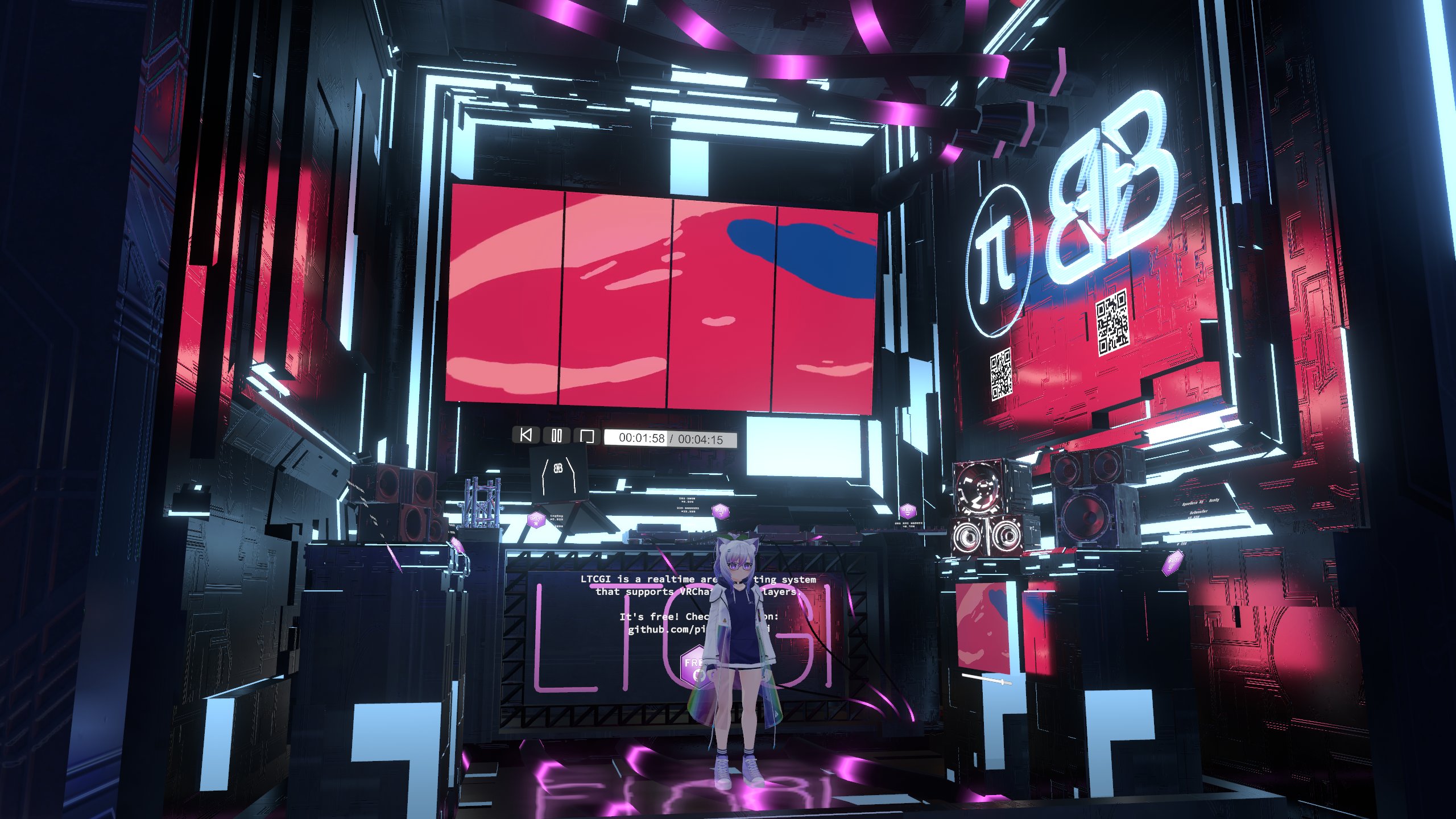
LTCGI is an optimized plug-and-play realtime area light solution using the linearly transformed cosine algorithm for standalone Unity and VRChat. Free to use with attribution. It can utilize the Unity build-in lightmapper or Bakery for realistic shadows on static objects.
Since version 1.7.0, LTCGI supports VRCLightVolumes. Check the setup guide for more!
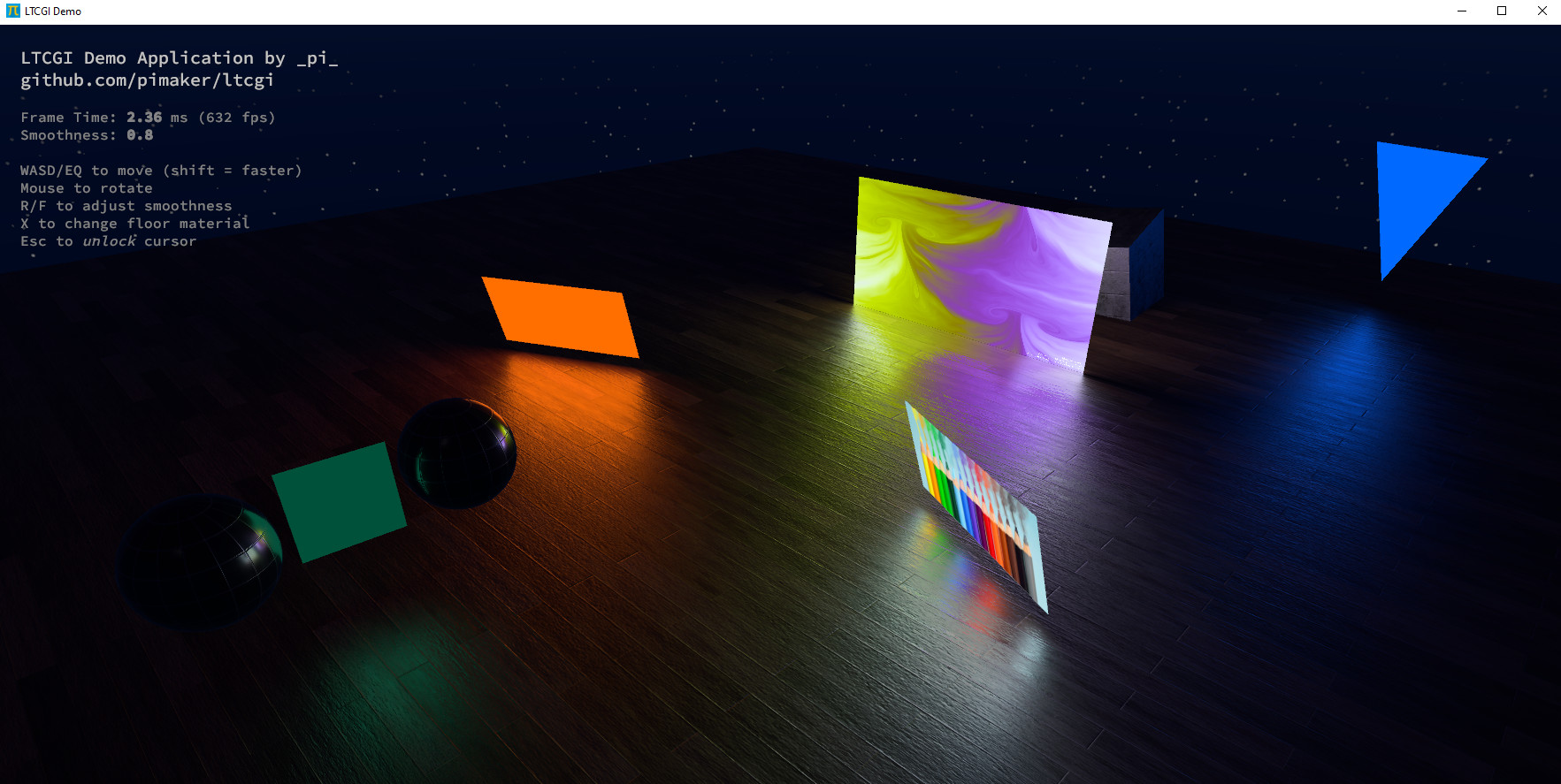
You can download the standalone demo app pictured above to try it out for yourself.
Alternatively, join the demo world in VRChat.
LTCGI is distributed freely under a mixed-MIT license. For more details, checkout the LICENSE file.
Getting Started
The 'Getting Started' row on the left is a good place to start reading. Follow the numbers! (🔢)
I also recommend reading at least the Performance Optimization section from the Advanced row.
For VRChat video player lighting, I recommend pairing LTCGI with ArchiTechAnon's ProTV version 3 or newer. Other video players are also supported, check the [Realtime Video](/Getting Started/Setup/Realtime_Video) page.
You can also watch my full guided walkthrough tutorial, if that's more your thing:
Download
Make sure you grab a compatible shader first! The built-in shaders can be used for testing, but should not be used in production.
For VRChat, you can install LTCGI via the Creator Companion from my VPM repository:
⬇️ Creator Companion/VPM Repository
For a list of releases and manual download options, check the Releases page on GitHub.
For standalone Unity, you can import LTCGI as a git package with the URL: https://github.com/PiMaker/ltcgi.git
About this Page
This site is the official documentation for using LTCGI-based lighting in your projects and worlds. It covers everything you should know before using LTCGI. I highly recommend skimming all the pages at least once to gain a basic understanding of what journey you're about to embark on.
⚠️ I've tried to keep things simple, but do note that LTCGI is an advanced lighting solution. If this is your first time touching Unity, this may simply not be for you - stuff will break, any you will need to read error messages and troubleshoot things.
Read the FAQ before asking for help anywhere!
Once you've done that, feel free to join my Discord and ask for help: https://discord.gg/r38vJd2DuJ
⚠️ NOTE: While the shader is optimized, it still equates to real-time lighting - so use sparingly, and read these docs carefully for tips on performance! Often times a reflection probe or a simple realtime light are the better solutions!
More glamour shots